
Morelly IT onboarding
Welcome to Morelly
Get Set Up Confidently With Your Morelly IT Onboarding
From raising tickets to understanding access levels. These short videos will guide you step-by-step.
Everything you need to get started, right where you need it.
3 Key Onboarding Videos
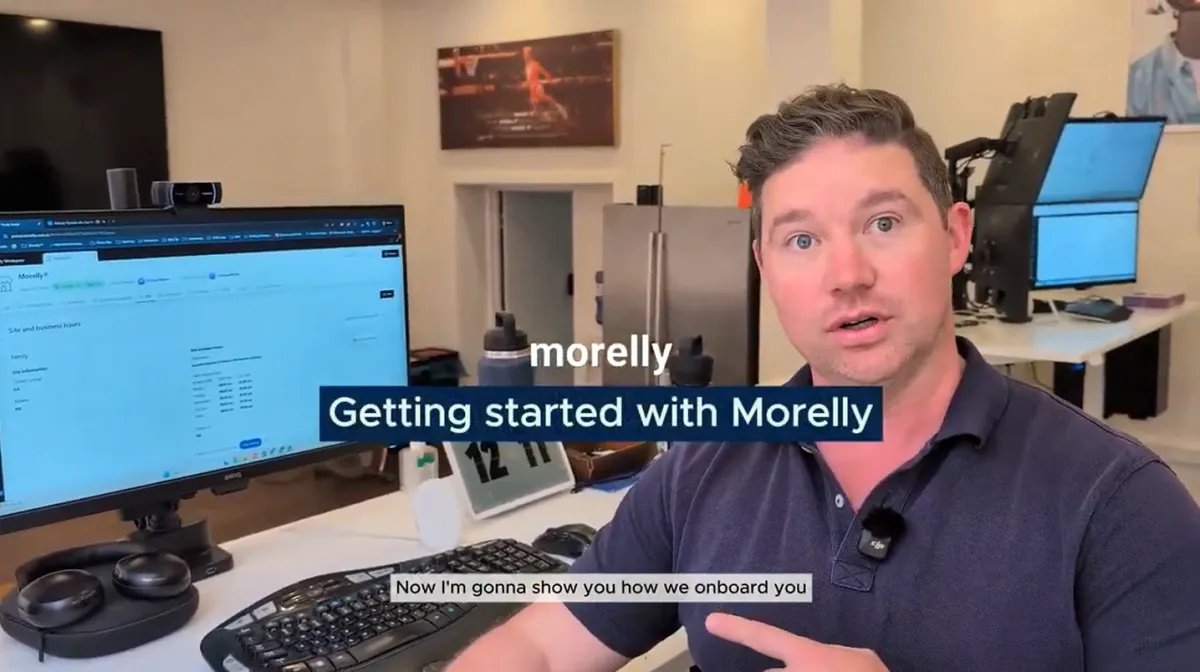
How to create a ticket
3 simple ways to create a Ticket, and how and when to escalate to a phone call for business critical support.
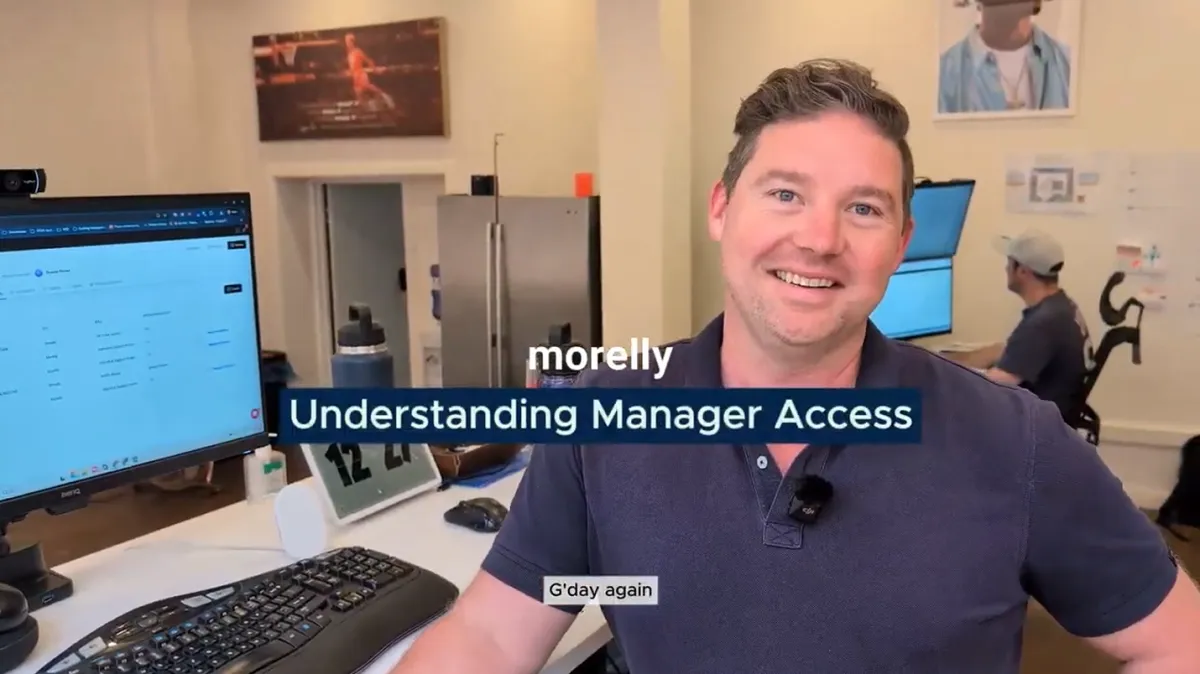
Manager access
Detailed walk through of managers access and how to use your portal to view tickets across your organisation.

Financial access
Comprehensive guide to finance access, Morelly’s invoicing process, and viewing all IT billing history in one place.”
Get Help, fast!
How to create a ticket
Learn how to lodge support tickets, track progress, and contact Morelly when you need help.
Email Morelly to lodge a non-urgent ticket on [email protected],
Call Morelly on 1300 208 198 to raise an urgent ticket if you or your team can't work because of an issue.
Access your portal to track all your tickets in one place — view status, updates, side conversations, and encrypted info securely.
Access at tickets
Understand Manager Access
See how managers can view team tickets, monitor progress, and assist in resolving issues smoothly.
View all team tickets in the “All Tickets” area — including who lodged them and current status.
Reply or take over a ticket when team members are away
Track priority, technician assignment, and ticket states so nothing stalls or gets missed.
billing simplified
Understand Finance Access
Manage quotes, invoices, and payments directly inside your Morelly client portal.
Access all quotes and invoices, including full historical records for easy review.
Add or update payment methods (e.g., card on file) and enable automatic billing.
See clear monthly invoices summarising licenses, hardware, services, and project work.
© 2025 Morelly®. All rights reserved.